Paramhans Industry
November 04, 2026
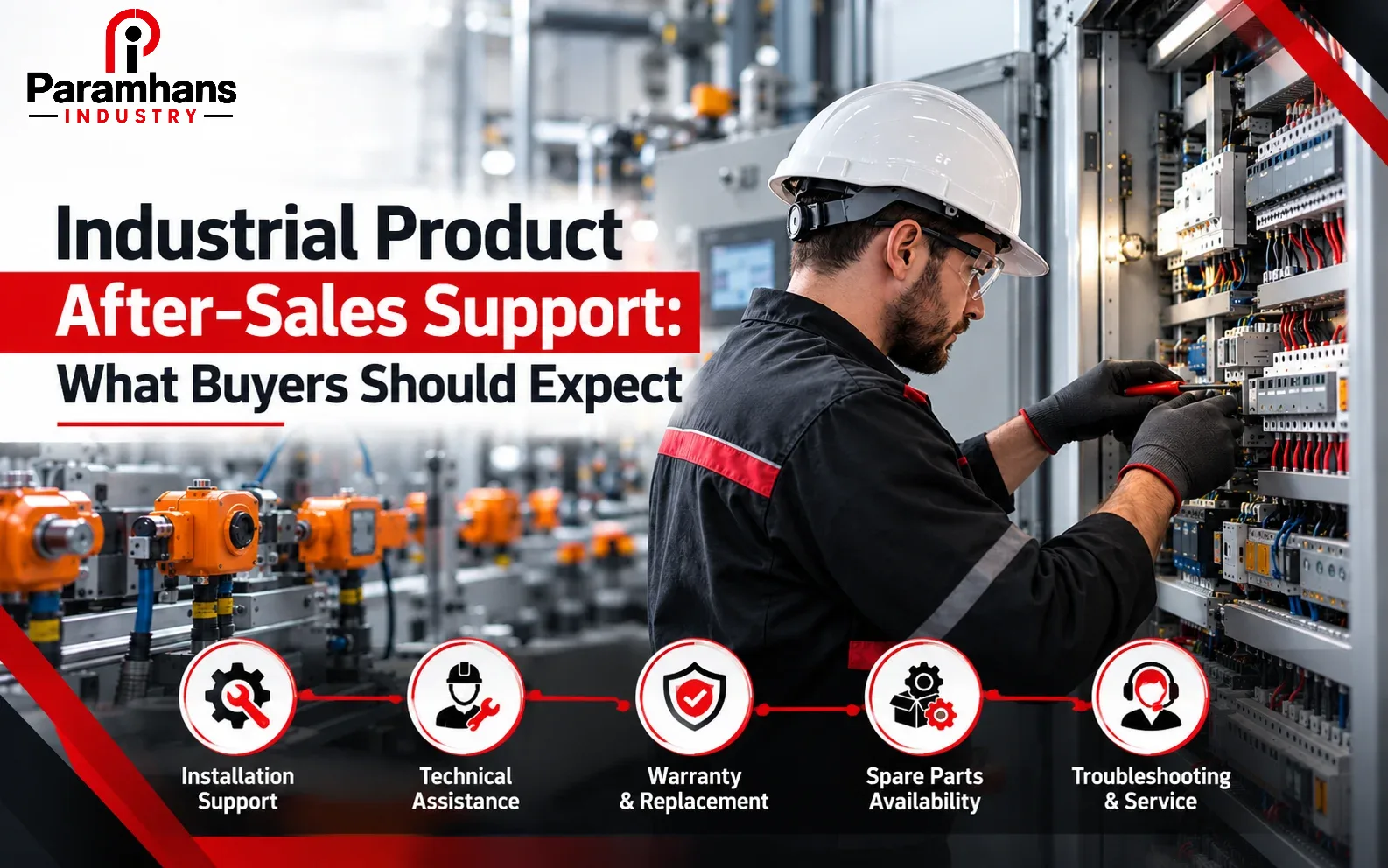
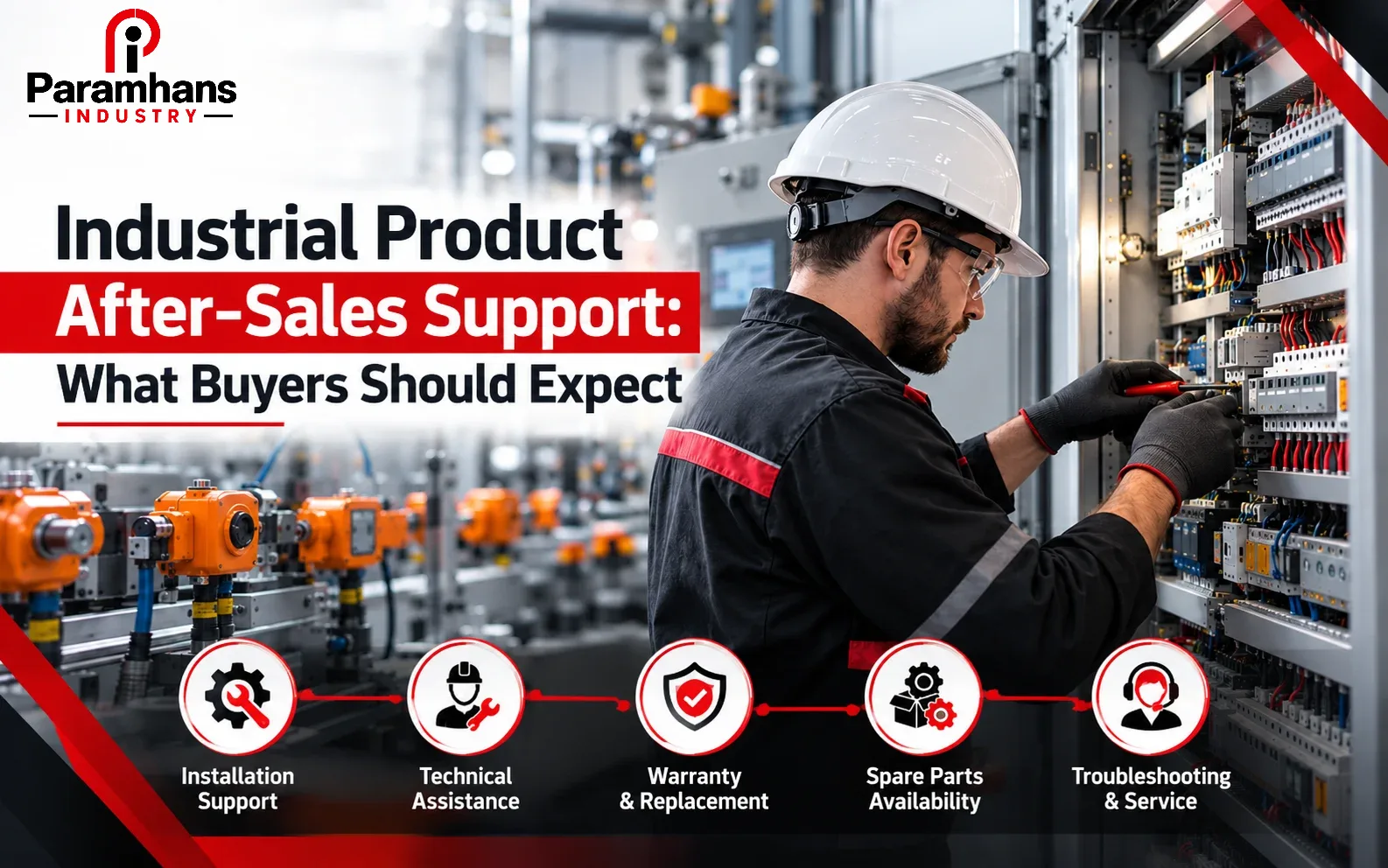
Industrial product after-sales support should give the buyer a clear path from delivery through installation, commissioning, operation, troubleshooting, warranty and replacement. Before issuing a purchase order, confirm who supports the exact product, what service is included, response channels, working hours, escalation, spare availability, documentation and costs. “Support available” is not a measurable service commitment.
The right support model depends on criticality. A standard hand tool, safety item, sensor, PLC, motor and specialised machine do not need the same response. Classify the consequence of failure and buy the appropriate level of technical assistance, spares and recovery. Distributors, manufacturers, authorised service partners and integrators may hold different responsibilities; map them before a fault occurs.
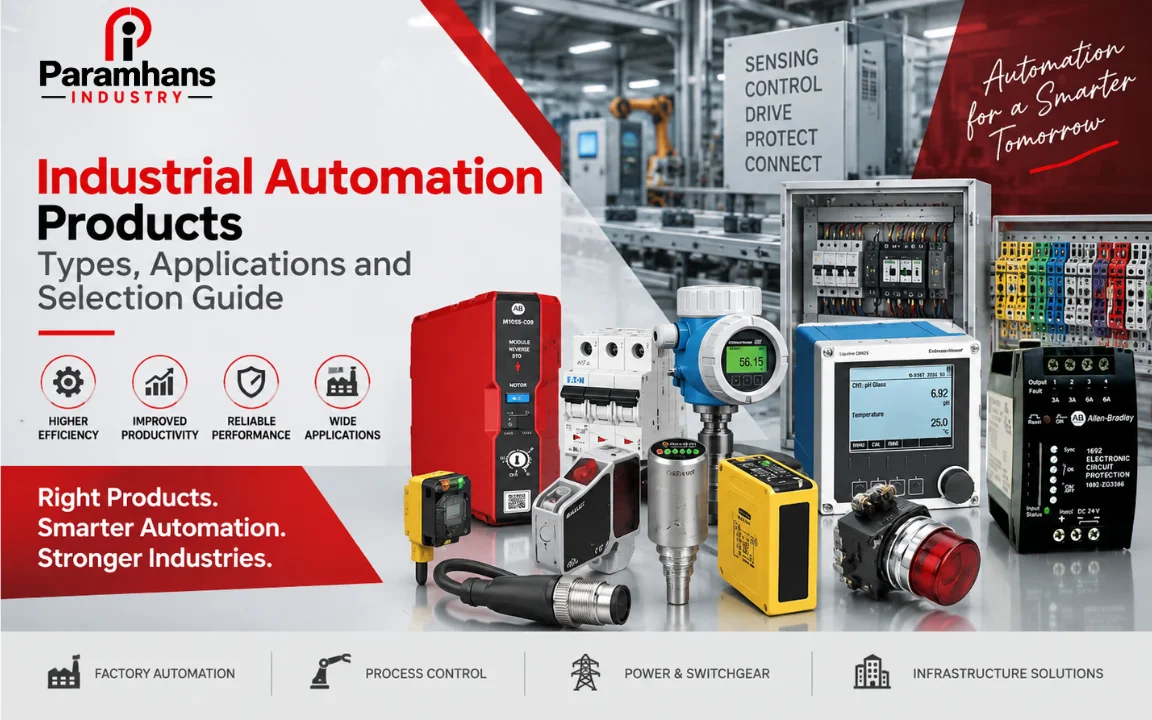
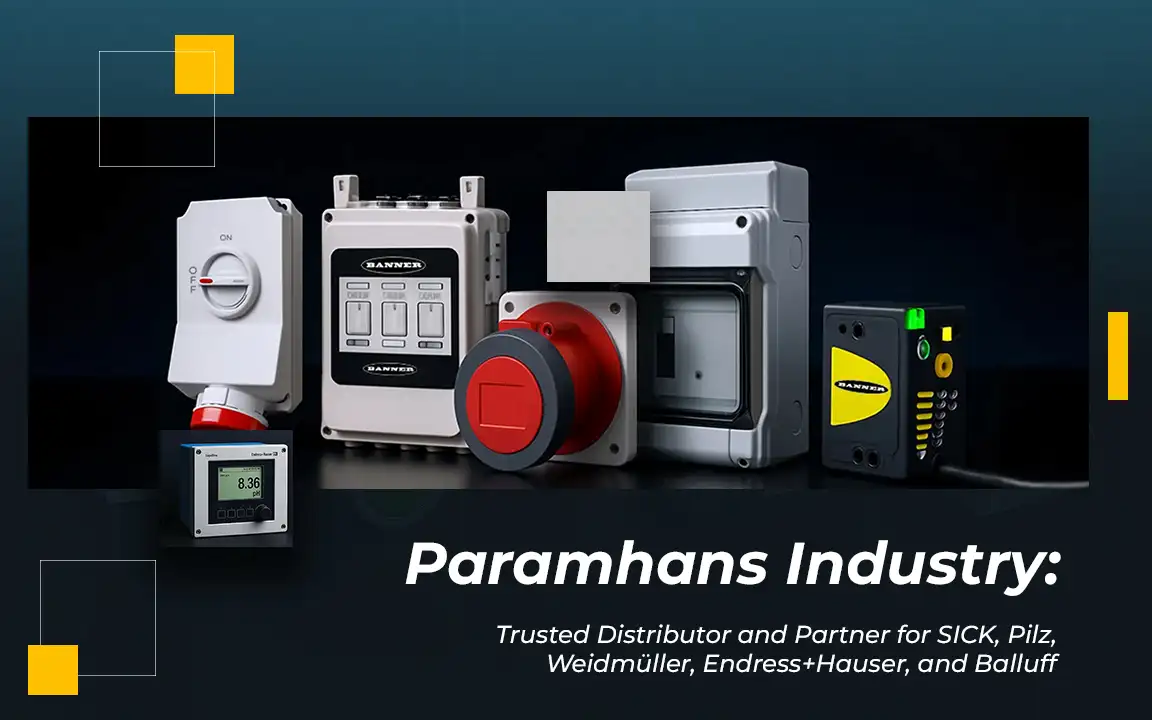
Paramhans Industry supplies multiple categories including industrial automation and switchgear, pneumatics, motors and measuring instruments and power and safety products. Support expectations should be defined for the chosen brand, model and application rather than assumed from the category.
Why After-Sales Support Affects Total Value
An attractive purchase price can be erased by delayed commissioning, missing configuration files, uncertain warranty, unavailable consumables or extended downtime. After-sales capability reduces the time required to diagnose and restore service, but only when the buyer provides correct application data and maintains the product as instructed.
Support also protects change management. Industrial sites replace personnel, software and equipment over long lifecycles. Drawings, settings, part numbers and service history allow the next technician to understand the installed base. A supplier that helps establish this record can be more valuable than one that simply ships a box.
Define Support by Product Criticality
| Criticality | Typical impact | Support approach |
|---|---|---|
| Low | Easy substitution and little downtime | Standard warranty and stocked replacement |
| Moderate | Local production delay | Technical helpline and planned spare |
| High | Major line or safety impact | Escalation, onsite option and critical spares |
| Specialised | Limited alternatives or configuration | Named expert, backups and lifecycle plan |
| Regulated or safety related | Compliance or injury consequence | Approved service and controlled records |
Use a risk assessment that considers safety, production, quality, environmental impact, replacement lead time and diagnostic complexity. Do not label every item critical; focus investment where response time matters. For low-cost items, a tested spare can restore service faster than repair. For configured systems, a spare without programme or parameters may not help.
Clarify the Support Chain
Identify the manufacturer, importer, authorised distributor, local supplier, integrator, installer and service centre. Ask which party owns application selection, warranty registration, technical diagnosis, onsite work, repair approval and replacement. Record names and contact routes rather than relying on “company support.”
If several parties are involved, create a responsibility matrix. A manufacturer may provide product-level guidance while the integrator owns programming and the installer owns wiring. The buyer should know where one scope ends and the next begins, especially when a fault may result from application, installation or product condition.
Pre-Sales Support Sets Up After-Sales Success
Accurate selection is the first support activity. Share duty, ratings, environment, interfaces, standards, cycles, utilities and existing equipment. Request the exact manufacturer part number and approved accessories. When an alternative is offered, require a written comparison of electrical, mechanical, communication, software and certification differences.
A supplier should state assumptions and exclusions. Product selection based only on a photograph or short description creates later disputes. Use Paramhans Industry’s brand directory to identify relevant ranges, then confirm the supported model, lifecycle status and application before ordering.
Delivery and Incoming Inspection
| Check | Evidence |
|---|---|
| Identity | Part number, revision, quantity and serial number |
| Condition | Packaging, damage, moisture and storage indicators |
| Completeness | Accessories, licences, cables, manuals and certificates |
| Compatibility | Voltage, ratings, firmware, dimensions and connectors |
| Traceability | Invoice, warranty, batch or serial record |
| Storage | Temperature, humidity, shelf-life and preservation instructions |
Report shortages or transport damage immediately through the agreed channel. Do not install a suspect item merely to meet schedule. Photograph packaging and nameplates, quarantine deviations and retain records. For electronic products, manage electrostatic and storage requirements. For safety equipment, verify certification and expiry where relevant.
Installation and Commissioning Assistance
Define whether support includes installation review, startup, parameterisation, testing, calibration, communication setup, safety checks or operator training. State prerequisites such as completed wiring, utilities, network, mounting and process readiness. If remote commissioning is planned, confirm secure access, site technician capability and fallback.
Commissioning records should capture model and serial, settings, firmware, test results, alarms, baseline readings and accepted deviations. Obtain a backup of configurable equipment and verify restoration. Handover should identify the as-left condition; otherwise later teams cannot distinguish an original setting from an uncontrolled change.
Documentation Buyers Should Receive
- Datasheet, manual and approved product-selection record.
- Installation, wiring, configuration and safety instructions.
- Certificates and calibration records where applicable.
- Warranty terms, registration and claim procedure.
- Recommended spares, consumables and maintenance schedule.
- Configuration backups, licences and access ownership where relevant.
- Support contacts, hours, escalation and case reference process.
Document revision matters. Store the files that match the installed model and firmware, not a generic current brochure. Keep them in a controlled equipment record accessible to maintenance. Confidential passwords should be secured without making recovery dependent on one employee or vendor.
Warranty: Read the Conditions
| Warranty point | Question for the supplier |
|---|---|
| Start and duration | Does coverage start at dispatch, delivery or commissioning? |
| Covered defect | Which parts and labour are included? |
| Exclusions | What installation, wear, misuse or environment exclusions apply? |
| Claim evidence | Which invoice, serial, photos or tests are needed? |
| Logistics | Who pays removal, freight, travel and reinstallation? |
| Remedy | Repair, replacement, credit or supplier discretion? |
| Turnaround | What is the expected assessment and resolution path? |
Warranty is not the same as uptime assurance. A valid claim may still take time for evaluation and replacement. Critical operations need a spare or service plan alongside warranty. Preserve seals and evidence, and do not perform unauthorised repair that may affect coverage. Report symptoms accurately rather than declaring a cause without diagnosis.
Technical Support and Troubleshooting
A good support request includes part number, serial, application, symptom, operating condition, alarm, recent change, photographs, measurements and actions already taken. Avoid messages such as “not working.” The provider should assign a case reference, request evidence systematically and clarify safe tests. Never bypass protection merely to prove a fault.
Remote support can resolve configuration and application issues quickly when the site has a competent technician. Onsite service is appropriate when measurements, repair or conditions cannot be assessed remotely. Confirm travel, labour, waiting and parts charges before dispatch unless an emergency agreement already defines them.
Service Response and Escalation
Define acknowledgement, technical response and resolution planning separately. An immediate acknowledgement does not mean a technician or spare is available. Set expectations by criticality, working hours, geography and service tier. Record escalation contacts for safety-critical or production-stopping cases.
Measure support with useful indicators: time to acknowledge, time to qualified diagnosis, first-time fix rate, repeat fault, parts lead time and case closure quality. Do not reward premature closure. A case is complete when the agreed remedy is implemented and evidence, settings or replaced parts are recorded.
Spare Parts and Obsolescence
Create a spare strategy from installed quantity, failure consequence, shelf life, cost, repairability and replenishment lead time. Verify that substitutes are truly compatible. Rotate stored items where necessary and test configurable spares. A warehouse full of unknown firmware or expired seals is not resilience.
Ask about product lifecycle, end-of-sale notices and migration paths. When a platform approaches obsolescence, plan the engineering, panel, software, validation and downtime required for replacement. Do not wait for a failure to discover that the old programming tool, connector or module is unavailable.
Training and Knowledge Transfer
Operator training should cover normal use, alarms, daily checks and safe shutdown. Maintenance training should cover diagnosis, isolation, approved adjustments, backups, consumables and escalation. Match depth to responsibility; unauthorised staff should not be encouraged to change protected parameters.
Use the actual installed product and site procedures. Retain attendance and training materials, and refresh after major changes. Ask trainees to demonstrate key tasks such as identifying a part number, collecting fault evidence and restoring a documented configuration.
Repairs Calibration and Service Reports
For repaired or calibrated products, define chain of custody, contamination status, incoming assessment, quotation approval, work performed, parts replaced and verification. Service reports should include identification, findings, measurements, settings and technician. Calibration scope and traceability must suit the buyer’s quality requirements.
On return, perform incoming and functional checks before releasing the item to production. Update the equipment history and warranty status. If failure is repeated, request root-cause review instead of cycling the same unit through repair without addressing application, environment or installation.
Cybersecurity and Software Support
Connected industrial products require controlled firmware, software licences, backups and remote access. Confirm who may connect, how access is authorised, what logs are kept and how vulnerabilities or updates are communicated. Do not expose control equipment directly to the internet or share permanent credentials casually.
Before an update, verify compatibility and recovery. Maintain approved versions and test changes. Supplier remote access does not transfer the owner’s cybersecurity responsibility; it must operate under the site policy and be disabled when the service session ends.
How to Compare Supplier Support
| Dimension | Strong evidence |
|---|---|
| Product expertise | Named specialists and documented supported range |
| Availability | Clear channels, hours and escalation |
| Field capability | Service area, competence and tools |
| Spares | Stock policy and quoted lead times |
| Documentation | Model-specific manuals, certificates and reports |
| Lifecycle | Obsolescence notices and migration support |
| Commercial clarity | Rates, inclusions and warranty process |
Ask shortlisted suppliers to respond to realistic scenarios: wrong item received, startup failure, intermittent fault, urgent spare and obsolete model. Compare process and evidence, not broad assurances. References from similar applications can help, but current support resources and the exact brand relationship matter.
Common Buyer Mistakes
- Treating warranty as a complete downtime-recovery plan.
- Ordering from a description without an exact part number.
- Failing to record serials, settings, firmware and licences.
- Assuming the distributor, manufacturer and integrator own the same scope.
- Keeping no tested spare for a single-point critical component.
- Allowing uncontrolled updates or remote access.
- Evaluating support only after the first failure.
A Practical Procurement Checklist
- Classify product criticality and downtime consequence.
- Confirm exact selection, lifecycle and authorised support chain.
- Put commissioning, warranty, response, spares and training in the order.
- Capture delivery, configuration and baseline records.
- Test support contacts and recovery before the product becomes critical.
- Review performance, repeat failures and obsolescence annually.
Service-Level Agreements for Critical Items
For critical products, a service-level agreement can define channels, coverage hours, severity categories, acknowledgement, diagnostic response, onsite attendance options and reporting. The agreement should state dependencies: site access, safe isolation, data, remote connectivity, spares and travel approval. Without these conditions, a response promise may be impossible to execute.
Include exclusions and escalation, then test the route with a non-emergency case. Review service performance periodically and update contacts. An SLA should support recovery, not encourage unsafe shortcuts or bypass the manufacturer’s authorised repair process.
Support for Multi-Brand Installations
Industrial systems often combine components from several brands. When a fault crosses PLC, drive, sensor, pneumatic and network boundaries, each vendor may see only its product. Assign system-level diagnostic responsibility to the integrator or owner team and keep interface documents current.
Ask suppliers to provide compatibility facts rather than blame another component. Capture network maps, signal lists, power quality, grounding and configuration. A structured fault timeline helps separate product failure from communication, wiring, process or environmental causes.
Returned Material and Replacement Control
Use an RMA or equivalent process that identifies the item, symptom, serial, contamination status and shipment. Back up settings before removal when safe. Protect connectors and packaging, and track whether the returned replacement is new, repaired or refurbished under the agreed terms.
When the replacement arrives, verify revision and compatibility before installation. Restore only the approved configuration, complete functional tests and update asset records. Do not let an emergency swap become a permanent undocumented variation.
Root-Cause Analysis for Repeated Failures
Repeated replacement without analysis may hide overheating, vibration, contamination, overload, power quality, incorrect selection or control logic. Build a timeline of operating conditions, alarms, measurements, settings and failed parts. Preserve evidence and involve the relevant manufacturer or specialist.
Corrective action should name an owner, deadline and verification method. Monitor the equipment after change to confirm that failure frequency or symptoms improve. If the product was misapplied, update selection standards and similar installed locations rather than treating one repair as closure.
Annual Installed-Base Review
Once a year, reconcile installed models, serials, quantities, firmware, spares, warranties, open cases and lifecycle notices. Identify single points of failure and unsupported versions. Combine maintenance, procurement and IT or cybersecurity input where products are connected.
Use the review to budget migration, renew licences, replenish tested spares and refresh training. A current installed-base record improves quotation accuracy and gives support teams the context needed to respond quickly when an incident occurs.
Frequently Asked Questions
1. What is industrial product after-sales support?
It is the assistance available after purchase for delivery, installation, commissioning, operation, troubleshooting, warranty, repair, spares and lifecycle changes.
2. Is after-sales support included in the product price?
Sometimes only basic support is included. Confirm commissioning, onsite visits, travel, labour, parts and training in writing.
3. What is the difference between warranty and service support?
Warranty addresses covered defects under stated conditions; service support may include diagnosis, maintenance, configuration and onsite work, often at additional cost.
4. Who should support a branded product?
It may be the manufacturer, authorised distributor, service partner or integrator. Verify the exact support chain and responsibilities.
5. What information is needed for a support request?
Provide part and serial numbers, application, symptom, alarms, conditions, recent changes, measurements, photos and actions already taken.
6. How should response time be defined?
Separate acknowledgement, qualified technical response, onsite attendance and resolution plan, with hours and geography stated.
7. Which spare parts should be stocked?
Stock from criticality, failure impact, lead time, shelf life, repairability and installed quantity—not from price alone.
8. Why are configuration backups important?
A replacement PLC, drive, HMI or instrument may not work until the correct programme and parameters are restored.
9. Can remote support replace onsite service?
It can solve many configuration issues, but physical inspection, measurements or repair may require a qualified onsite technician.
10. What documents should be retained?
Keep selection, manuals, certificates, invoice, serials, warranty, settings, backups, commissioning and service history.
11. How should obsolete products be managed?
Monitor lifecycle notices, maintain tested spares and plan migration with compatibility, software, validation and downtime considered.
12. How can supplier support quality be measured?
Track qualified response, diagnostic quality, restoration time, repeat faults, parts lead time and completeness of case records.
Buy the Recovery Path Along with the Product
Industrial procurement is complete only when the site can install, operate, diagnose and recover the product through its useful life. Share the exact part number, application, installed quantity, criticality, location and service expectations, review Paramhans Industry and use the contact page to request a product-and-support proposal with clear responsibilities.
Social Share:





Our Blog




Captcha